





StoneShot Learning > Support > Coming Soon
Coming Soon
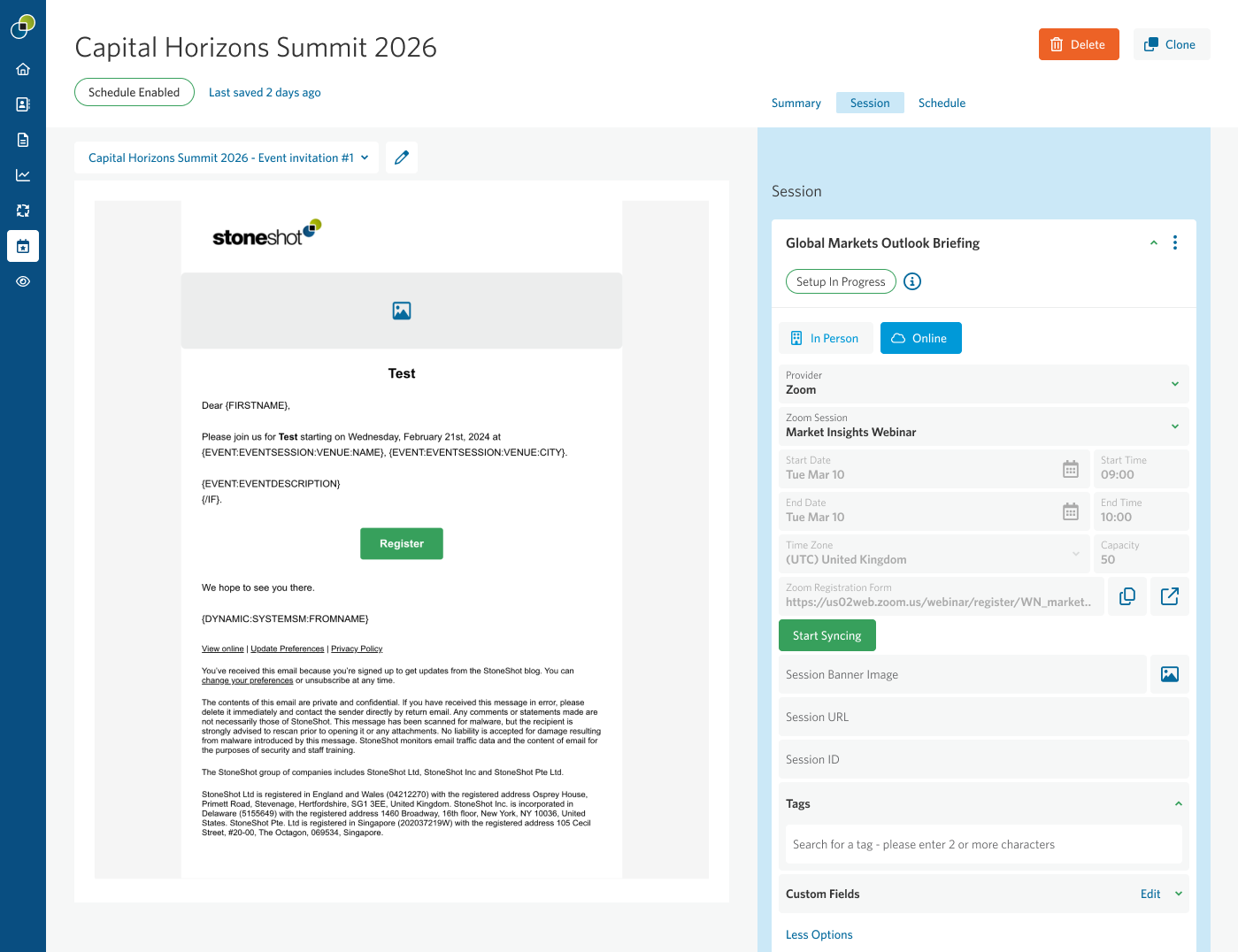
Connect Zoom webinars directly to StoneShot events
Our upcoming Zoom integration update will make it easier to manage Zoom-powered events from within StoneShot while ensuring registration and attendance data stays in sync.
This update allows you to:
- Browse Zoom webinars and meetings from within Event Builder
- Associate a Zoom webinar or meeting with a StoneShot session
- Synchronize registered contacts between StoneShot and Zoom
- Automatically sync attendance data for improved reporting and follow-up
The result is a more connected event workflow, with registration, attendance and event communications managed more efficiently across both platforms.