







StoneShot Learning > Support > Coming Soon
Coming Soon
Updated Event Schedule Launch Flow
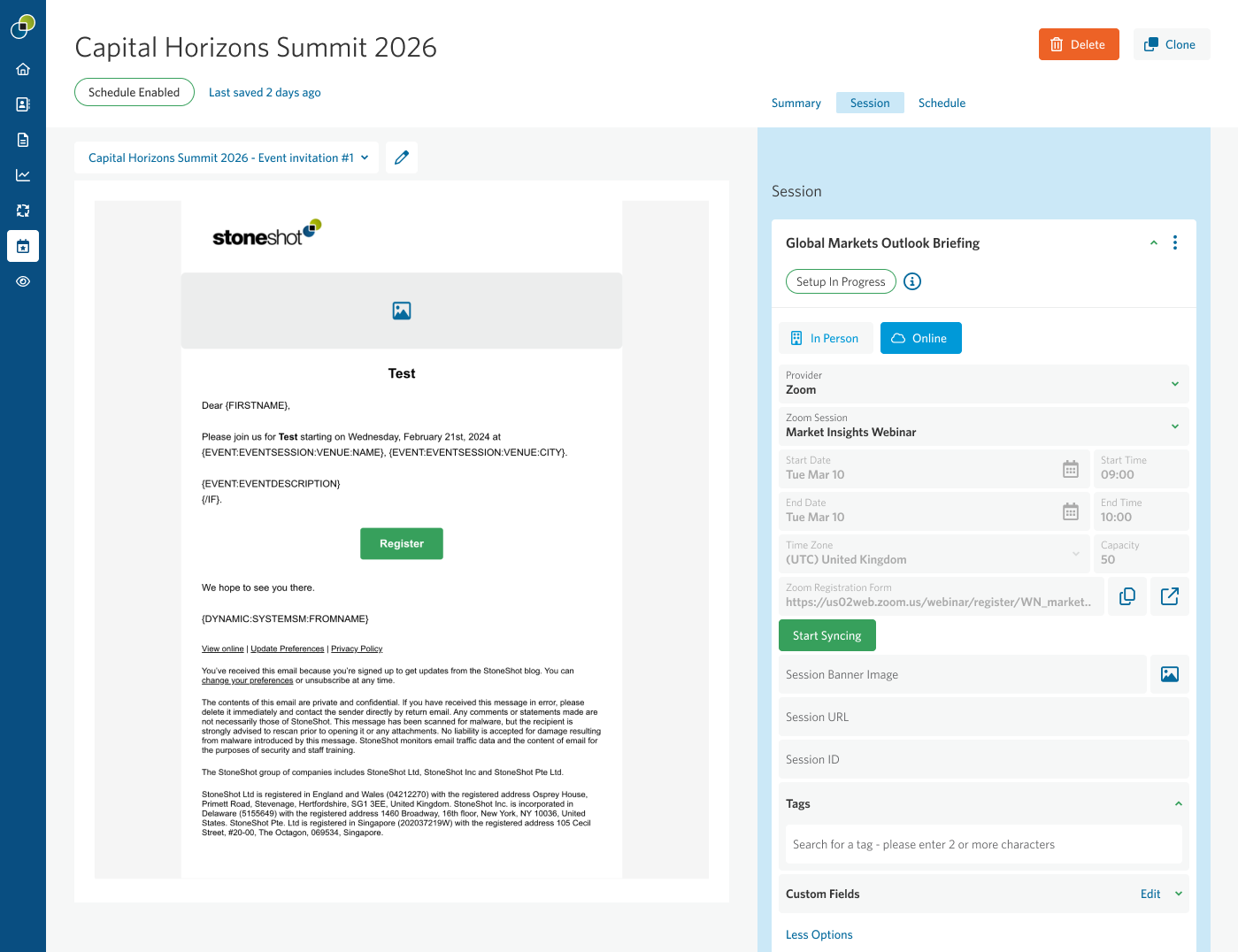
Events are now automatically “Live” when they’re created. We’ve removed the Launch button so instead of launching an event to activate schedules, schedules can be enabled or disabled individually using simple toggles. Master Enable All and Disable All controls are also available, making it easier to manage multiple schedules quickly and efficiently.
The current schedule status is always visible in the Status chip below the event’s name, so you can quickly see whether communications are active.
Schedules become disabled once they’re complete. Additionally, when you clone an event, the schedule will also be disabled.

Enhanced QR Code Delivery for Event Check-In
QR code functionality has been extended to ensure attendees can always access their codes. If a QR code does not display in an email client, attendees are automatically directed to a browser-based landing page where their QR code is available. This guarantees reliable access and supports faster, smoother check-in using Event Check-In.

Introducing Eden, Our AI Support Assistant
Eden is now available as the first point of support within StoneShot. The updated AI chat client is accessible across more environments and can answer common questions, guide users to relevant resources, and help clients get quick assistance when they need it. Additionally, Eden remembers past discussions within the same session on a user level to provide continuity.